Introduction
Many teachers spend hours every evening staring at their inbox, struggling to find the right words to communicate with parents.
Whether it's sharing positive news, addressing academic concerns, or asking for volunteers, writing professional emails can be emotionally draining.
However, many educators are beginning to use artificial intelligence as a powerful communication assistant.
With the right prompts, AI tools can draft empathetic, clear, and professional parent communication in seconds.
This guide shares 10 practical AI prompts teachers can start using immediately to revolutionize how they communicate with families.
In This Guide You'll Learn
- How teachers are using AI to simplify parent communication
- 10 practical prompts you can copy to draft emails immediately
- Ways to ensure your tone is always professional and empathetic
- How structured prompts generate better email drafts
Why Teachers Are Using AI to Write Emails
Many teachers are discovering that AI is the ultimate shortcut for writing professional emails without the emotional labor.
When used intentionally, AI can help educators streamline parent communication and avoid misunderstandings.
- Tone adjustment: AI can instantly rewrite a frustrated email to sound positive and collaborative.
- Empathy building: Teachers can use AI to ensure difficult news is delivered gently.
- Time saving: Draft newsletters and updates in minutes instead of hours.
- Translation support: AI can provide initial drafts for non-native speaking families (always verify, of course).
- Consistent communication: Keep your messaging professional and structured every time.
How AI Fits Into a Teacher's Planning Workflow
Many educators now integrate AI tools into a simple instructional planning process.
- Step 1: Teacher identifies the learning objective
- Step 2: AI generates lesson structures or practice materials
- Step 3: Teacher reviews and adjusts materials
- Step 4: Instruction is delivered using structured teaching routines
AI speeds up preparation while teachers maintain full instructional control.
How Teachers Use AI for Parent Communication
Want Free AI Prompts for Teachers?
Download 25 structured AI prompts designed to help teachers create lessons, worksheets, and parent communication faster.
Download the Free Prompts10 Free AI Prompts to Draft Parent Emails Today
A good email starts with a precise prompt. Try copying and pasting these 10 specific prompts into ChatGPT tonight to see exactly how much time you can save.
Prompt #1: The Positive Behavior Note
Use this when you want to build a positive relationship early on.
Prompt #2: The Academic Concern
Use this when you need to share difficult news gently.
Prompt #3: The Missing Work Reminder
Use this to address late assignments without sounding accusatory.
Prompt #4: The Weekly Newsletter
Use this to save hours on Friday afternoon.
Prompt #5: The Field Trip Chaperone Request
Use this when you need parent volunteers.
Prompt #6: The Unhappy Parent Response
Use this when you need to de-escalate a frustrated parent.
Prompt #7: The Behavior Incident Report
Use this to document issues objectively.
Prompt #8: The Upcoming Testing Reminder
Use this to reduce test anxiety for families.
Prompt #9: The Conference Scheduling Email
Use this to efficiently set up parent-teacher conferences.
Prompt #10: The End-of-Year Wrap Up
Use this for a warm sign-off before summer.
Want a Complete Library of Teacher AI Prompts?
While the prompts above are useful, many teachers prefer having a complete organized system of prompts they can use throughout the school year.
That is why we created the AI Teacher Productivity Toolkit.
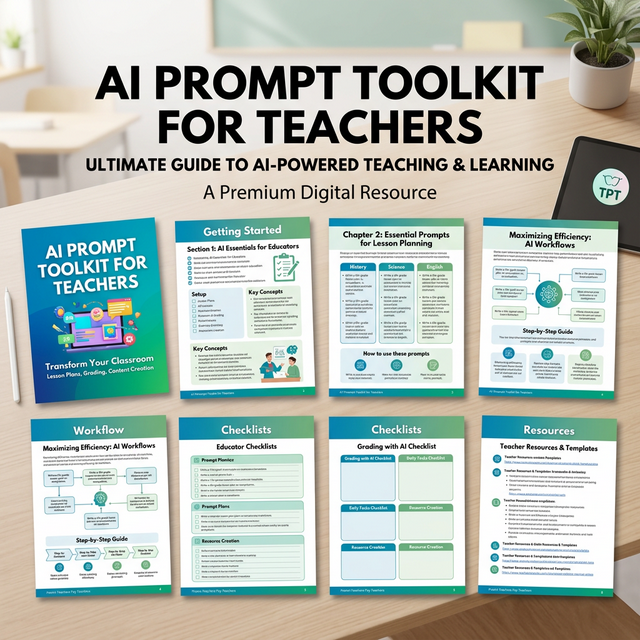
A sneak peek inside the AI Teacher Productivity Toolkit
- 50 AI prompts for lesson planning
- Worksheet generators
- Reading and phonics prompts
- Math center prompts
- Behavior and SEL prompts
- Parent communication templates
- Differentiation prompts
This Toolkit Is Designed For Teachers Who:
- Spend hours planning lessons each week
- Want to generate worksheets faster
- Use small-group instruction
- Need differentiated practice materials
- Are curious about using AI but want structured prompts
How Teachers Are Using These AI Prompts
Teachers are using structured AI prompts in several ways:
- Drafting difficult emails to upset parents
- Creating weekly classroom newsletters quickly
- Requesting volunteers for events and field trips
- Sending positive notes home systematically
- Responding to administrative requests
Many teachers now keep a library of communication prompts so they can quickly draft emails without the emotional drain.
Get the Complete AI Prompt Toolkit for Teachers
Stop working weekends. This comprehensive toolkit is the ultimate shortcut to saving hours every single week.
Download the Full Toolkit on Teachers Pay TeachersFrequently Asked Questions
Can teachers use AI to create lesson plans?
Yes. Many teachers use AI tools to generate lesson outlines, practice problems, and instructional explanations. Teachers review and adjust the materials to match their students' needs.
Do teachers need technical skills to use AI?
No. Most teachers simply enter prompts into tools such as ChatGPT and adjust the generated results.
Can AI help teachers create worksheets?
Yes. Teachers often use AI prompts to generate math practice problems, exit tickets, and review activities.
Save These AI Prompts for Later
Teachers often return to these prompts when planning lessons, creating worksheets, or preparing small-group instruction.
If you want to quickly find this guide later, save it to your teaching boards on Pinterest.
Many educators create boards for:
- Teacher productivity tools
- AI tools for teachers
- Lesson planning ideas
- Teaching strategies
Saving this guide makes it easy to return whenever you need structured AI prompts for planning.
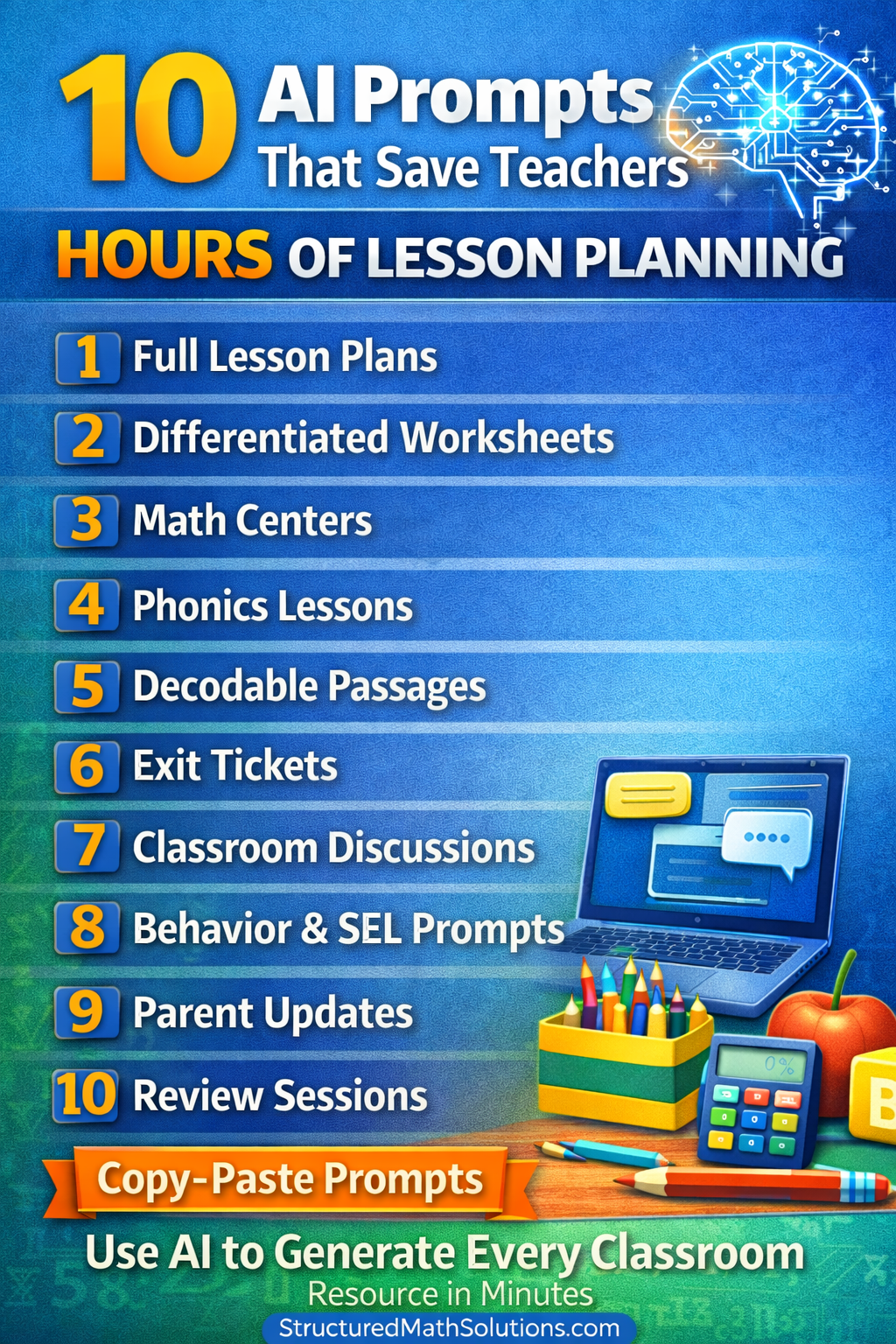
Free AI Prompts for Teachers
25 structured prompts teachers can use to save hours on lesson planning, worksheet creation, parent communication, and classroom organization.
- Generate lesson plans quickly
- Create worksheets in seconds
- Write parent emails professionally
- Generate quick assessments
- Streamline planning workflows