Introduction
We all know that actual instruction is only a fraction of a teacher's job. It's the hidden, administrative tasks that consume our evenings and weekends.
Between writing substitute plans, generating grading rubrics, drafting parent emails, and organizing field trip logistics, the paperwork never seems to end.
However, many educators are beginning to use artificial intelligence as an administrative assistant.
With the right prompts, AI tools can build perfectly aligned rubrics, compose professional emails, and write detailed sub plans in seconds.
This guide shares 10 practical AI prompts teachers can start using immediately to dramatically reduce their weekly workload.
In This Guide You'll Learn
- How teachers are using AI to conquer administrative tasks
- 10 practical prompts you can copy to save hours immediately
- Ways to easily automate rubrics, emails, and sub plans
- How structured prompts generate better, more reliable output
Why Teachers Are Using AI to Save Time
Many teachers are discovering that AI is the ultimate shortcut for tackling the administrative burden of the profession.
When used intentionally, AI can help educators streamline the most tedious parts of their day.
- Automated Rubrics: AI can instantly generate detailed, multi-tiered grading rubrics for any project.
- Instant Sub Plans: Teachers can quickly generate fully detailed substitute teacher plans in minutes.
- Syllabus Generation: AI can write out course policies, daily schedules, and expectations quickly.
- Email Drafting: AI can structure and draft professional correspondence.
- Report Card Comments: Get structured, professional starting points for your quarterly comments.
How AI Fits Into a Teacher's Planning Workflow
Many educators now integrate AI tools into a simple instructional planning process.
- Step 1: Teacher identifies the learning objective
- Step 2: AI generates lesson structures or practice materials
- Step 3: Teacher reviews and adjusts materials
- Step 4: Instruction is delivered using structured teaching routines
AI speeds up preparation while teachers maintain full instructional control.
How Teachers Use AI for Administrative Tasks
Want Free AI Prompts for Teachers?
Download 25 structured AI prompts designed to help teachers create lessons, worksheets, and parent communication faster.
Download the Free Prompts10 Free AI Prompts to Save Hours Today
A good document starts with a precise prompt. Try copying and pasting these 10 specific prompts into ChatGPT tonight to see exactly how much time you can save.
Prompt #1: The Detailed Grading Rubric
Use this when you need to evaluate a complex project objectively.
Prompt #2: The Emergency Sub Plan
Use this when you wake up sick and need plans fast.
Prompt #3: The Report Card Comment Generator
Use this to overcome writer's block at the end of the quarter.
Prompt #4: The Parent Welcome Letter
Use this for back-to-school night.
Prompt #5: The Field Trip Permission Slip
Use this for quick administrative forms.
Prompt #6: The Station Rotation Schedule
Use this to quickly organize classroom movements.
Prompt #7: The IEP Goal Brainstorming
Use this as a starting point for specialized instruction.
Prompt #8: The Supply List Request
Use this to ask for classroom donations.
Prompt #9: The Class Syllabus Generator
Use this to set expectations for secondary students.
Prompt #10: The Faculty Meeting Notes Summarizer
Use this to distill long administrative documents.
Want a Complete Library of Teacher AI Prompts?
While the prompts above are useful, many teachers prefer having a complete organized system of prompts they can use throughout the school year.
That is why we created the AI Teacher Productivity Toolkit.
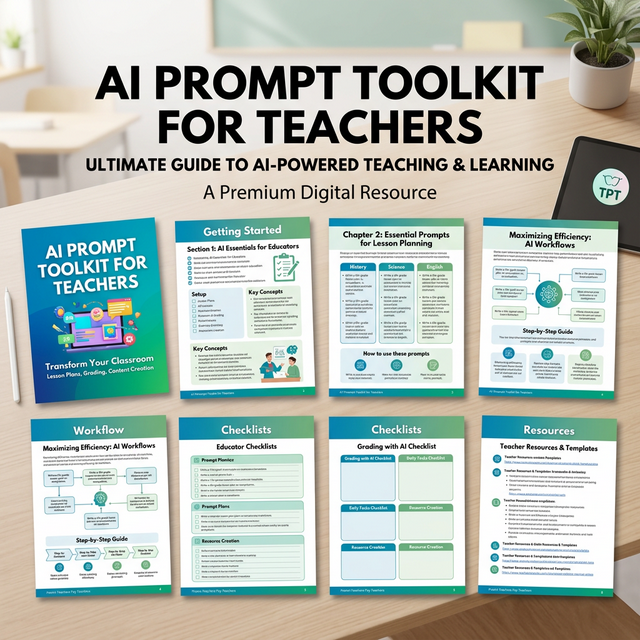
A sneak peek inside the AI Teacher Productivity Toolkit
- 50 AI prompts for lesson planning
- Worksheet generators
- Reading and phonics prompts
- Math center prompts
- Behavior and SEL prompts
- Parent communication templates
- Differentiation prompts
This Toolkit Is Designed For Teachers Who:
- Spend hours planning lessons each week
- Want to generate worksheets faster
- Use small-group instruction
- Need differentiated practice materials
- Are curious about using AI but want structured prompts
How Teachers Are Using These AI Prompts
Teachers are using structured AI prompts in several ways:
- Drafting detailed grading rubrics for complex assignments
- Spinning up emergency substitute plans while sick in bed
- Generating starting points for tricky report card comments
- Organizing station rotation logistics
- Summarizing lengthy administrative meetings
Many teachers now keep a library of administrative prompts so they can quickly knock out the paperwork that steals their weekends.
Get the Complete AI Prompt Toolkit for Teachers
Stop working weekends. This comprehensive toolkit is the ultimate shortcut to saving hours every single week.
Download the Full Toolkit on Teachers Pay TeachersFrequently Asked Questions
Can teachers use AI to create lesson plans?
Yes. Many teachers use AI tools to generate lesson outlines, practice problems, and instructional explanations. Teachers review and adjust the materials to match their students' needs.
Do teachers need technical skills to use AI?
No. Most teachers simply enter prompts into tools such as ChatGPT and adjust the generated results.
Can AI help teachers create worksheets?
Yes. Teachers often use AI prompts to generate math practice problems, exit tickets, and review activities.
Save These AI Prompts for Later
Teachers often return to these prompts when planning lessons, creating worksheets, or preparing small-group instruction.
If you want to quickly find this guide later, save it to your teaching boards on Pinterest.
Many educators create boards for:
- Teacher productivity tools
- AI tools for teachers
- Lesson planning ideas
- Teaching strategies
Saving this guide makes it easy to return whenever you need structured AI prompts for planning.
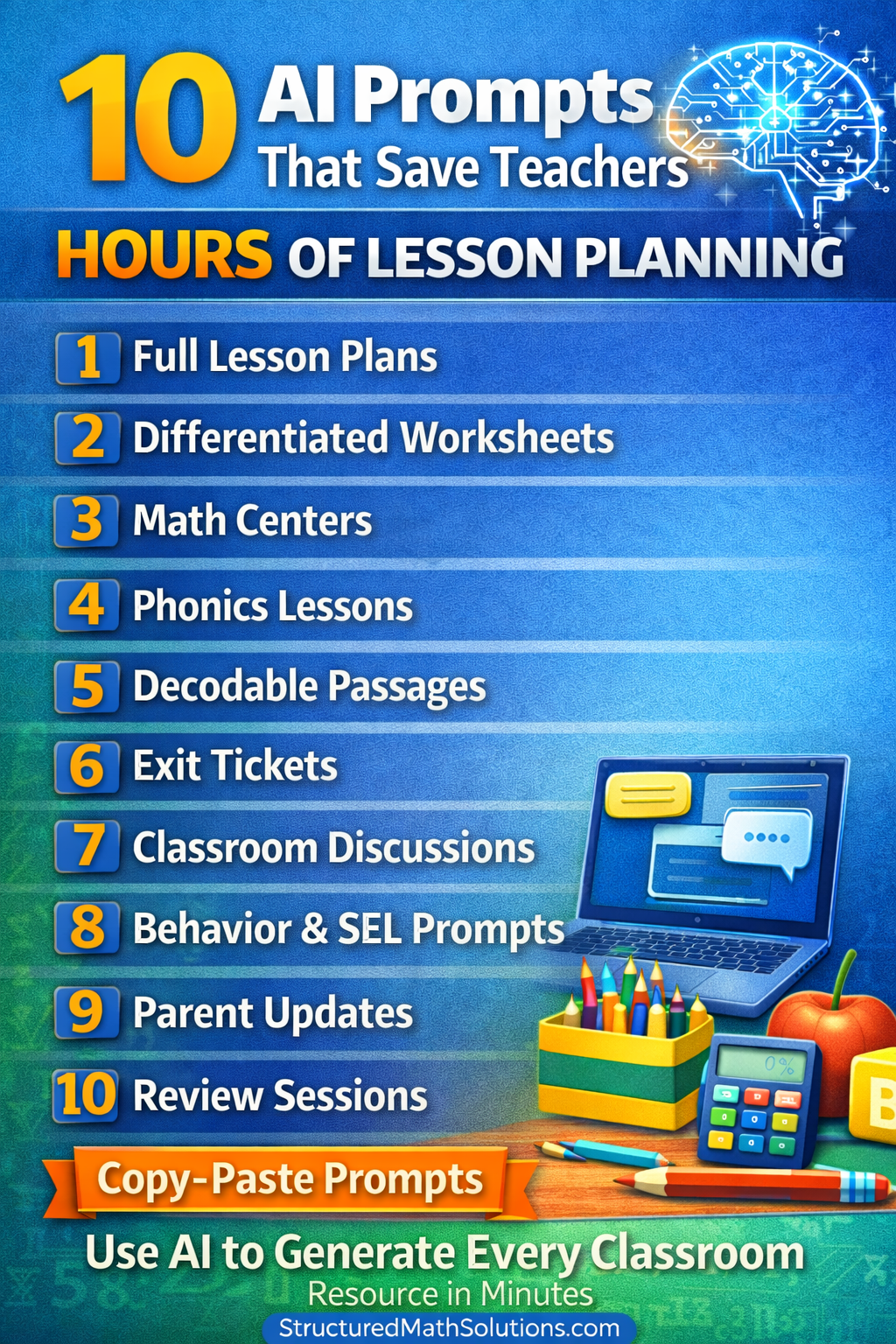
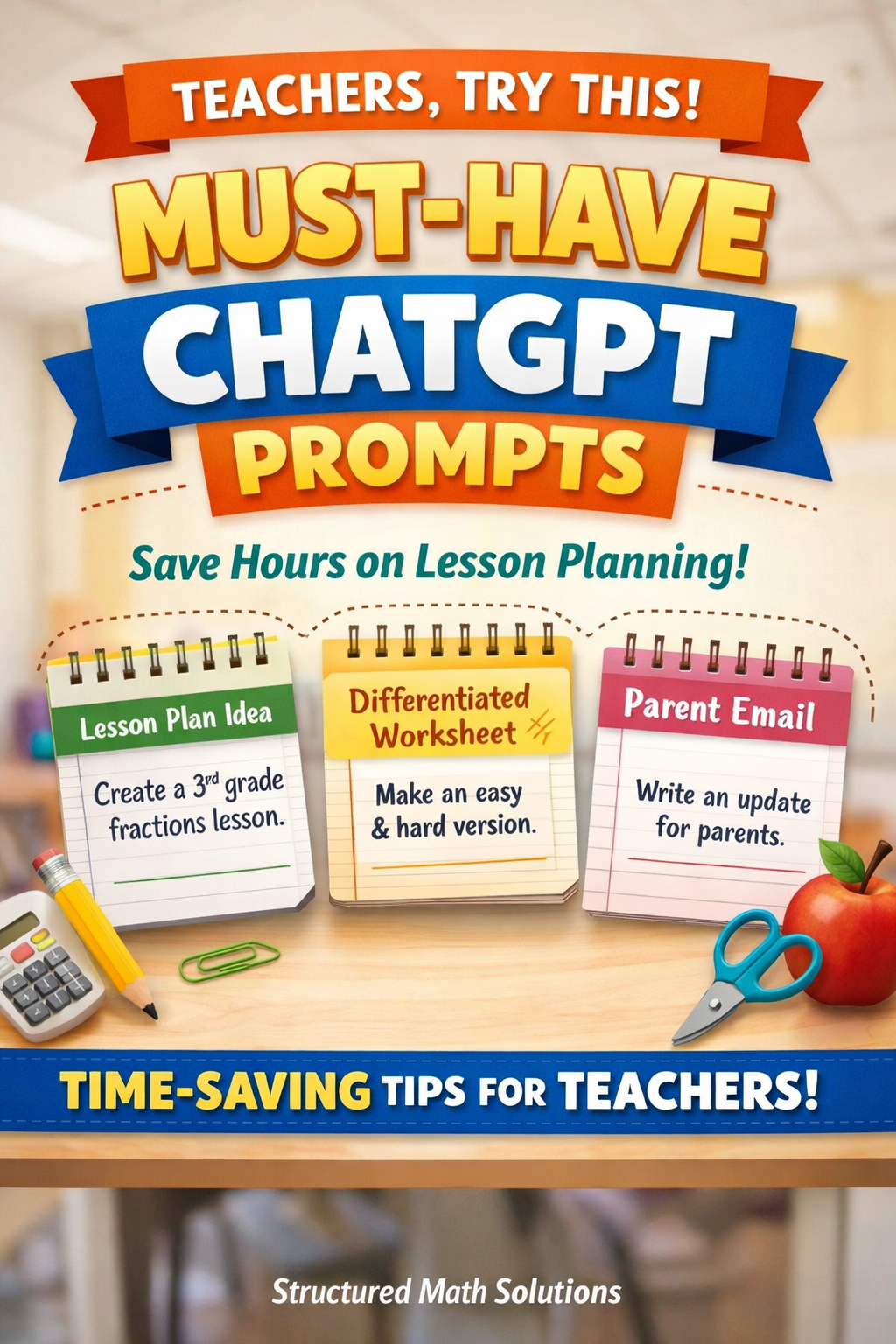
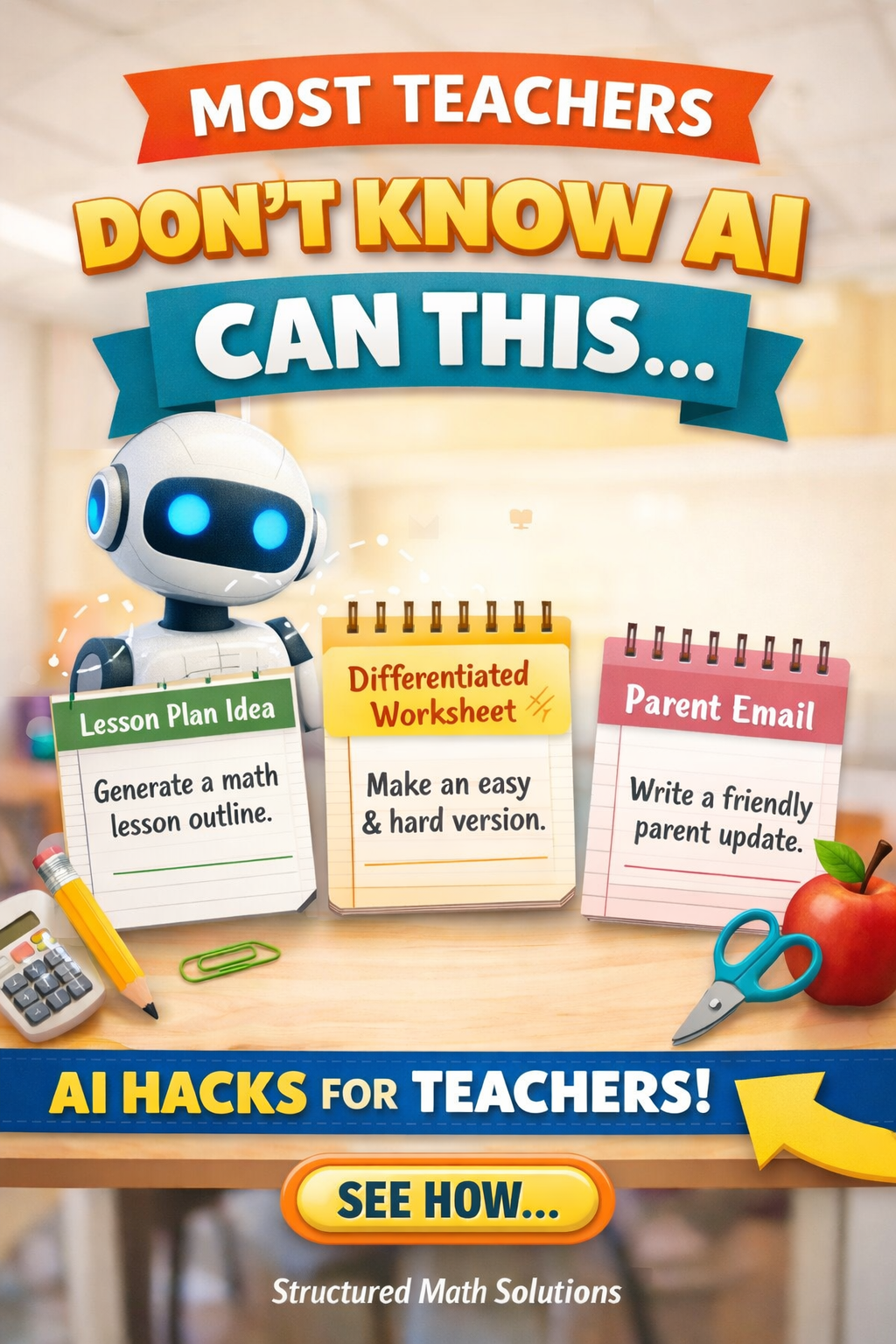
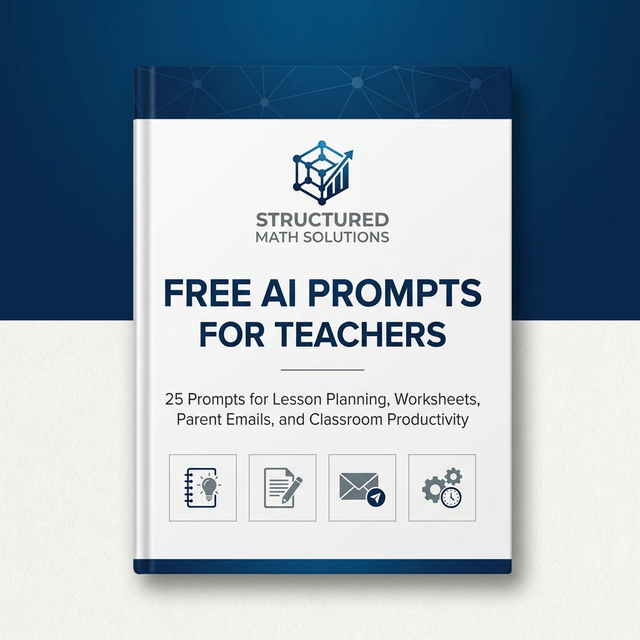
Free AI Prompts for Teachers
25 structured prompts teachers can use to save hours on lesson planning, worksheet creation, parent communication, and classroom organization.
- Generate lesson plans quickly
- Create worksheets in seconds
- Write parent emails professionally
- Generate quick assessments
- Streamline planning workflows