Introduction
We all know students learn best when they are actively engaged, but designing highly interactive activities from scratch takes massive amounts of planning time.
Between finding the right review games, creating station rotation tasks, and developing role-play scenarios, making learning fun often means working through the weekend.
However, many educators are beginning to use artificial intelligence as a creative brainstorming partner.
With the right prompts, AI tools can build perfectly aligned games, escape rooms, and engaging learning stations in seconds.
This guide shares 5 practical AI prompts teachers can start using immediately to revolutionize classroom engagement.
In This Guide You'll Learn
- How teachers are using AI to brainstorm and build activities
- 5 practical prompts you can copy to create games immediately
- Ways to turn dry curriculum into interactive stations
- How structured prompts generate fully playable classroom games
Why Teachers Are Using AI to Build Activities
Many teachers are discovering that AI is the ultimate shortcut for injecting fun and interaction into standard curriculum.
When used intentionally, AI can help educators instantly generate the creative mechanics of a lesson.
- Instant Review Games: AI can instantly generate Jeopardy-style or trivia questions aligned to your exact unit.
- Creative Stations: Teachers can quickly generate 4-5 distinct learning stations covering the same topic in different ways.
- Engaging Scenarios: AI can write historical role-plays or science mystery scenarios to hook students.
- Differentiated Play: AI can structure game rules so all learners can participate successfully.
- Effortless Planning: Teachers get the full instructions, materials list, and questions in one click.
How AI Fits Into a Teacher's Planning Workflow
Many educators now integrate AI tools into a simple instructional planning process.
- Step 1: Teacher identifies the learning objective
- Step 2: AI generates lesson structures or practice materials
- Step 3: Teacher reviews and adjusts materials
- Step 4: Instruction is delivered using structured teaching routines
AI speeds up preparation while teachers maintain full instructional control.
How Teachers Use AI for Activity Creation
Want Free AI Prompts for Teachers?
Download 25 structured AI prompts designed to help teachers create lessons, worksheets, and parent communication faster.
Download the Free Prompts5 Free AI Prompts to Generate Activities Today
A good activity starts with a precise prompt. Try copying and pasting these 5 specific prompts into ChatGPT tonight to see exactly how much time you can save.
Prompt #1: The Trivia Game Show
Use this when you need a fun Friday review.
Prompt #2: The Classroom Escape Room
Use this to build highly engaging, collaborative logic puzzles.
Prompt #3: The Interactive Learning Stations
Use this to break up direct instruction.
Prompt #4: The Role-Play Scenario
Use this to bring history or literature to life.
Prompt #5: The Socratic Seminar Debate
Use this to foster deep critical thinking.
Want a Complete Library of Teacher AI Prompts?
While the prompts above are useful, many teachers prefer having a complete organized system of prompts they can use throughout the school year.
That is why we created the AI Teacher Productivity Toolkit.
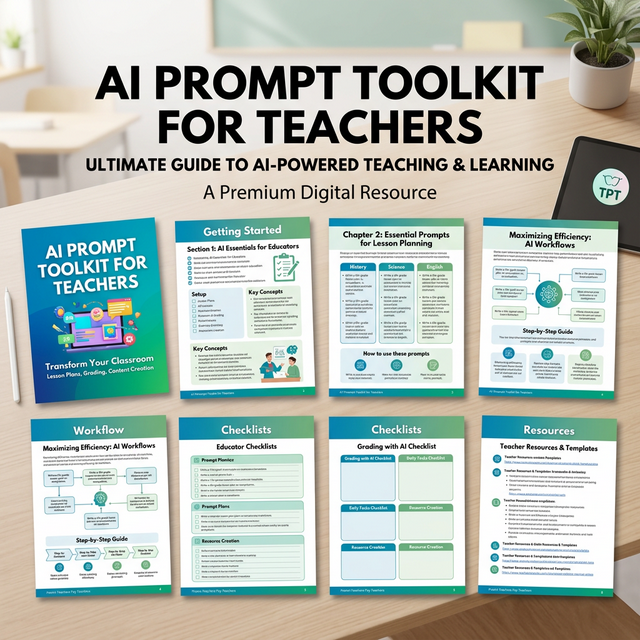
A sneak peek inside the AI Teacher Productivity Toolkit
- 50 AI prompts for lesson planning
- Worksheet generators
- Reading and phonics prompts
- Math center prompts
- Behavior and SEL prompts
- Parent communication templates
- Differentiation prompts
This Toolkit Is Designed For Teachers Who:
- Spend hours planning lessons each week
- Want to generate worksheets faster
- Use small-group instruction
- Need differentiated practice materials
- Are curious about using AI but want structured prompts
How Teachers Are Using These AI Prompts
Teachers are using structured AI prompts in several ways:
- Generating fun review games before unit tests
- Creating hands-on centers for elementary math
- Designing high-engagement escape rooms for middle schoolers
- Writing debate topics and rubrics for ELA
- Building interactive role-plays for social studies
Many teachers now keep a library of activity prompts so they can quickly spin up an engaging game without starting from scratch.
Get the Complete AI Prompt Toolkit for Teachers
Stop working weekends. This comprehensive toolkit is the ultimate shortcut to saving hours every single week.
Download the Full Toolkit on Teachers Pay TeachersFrequently Asked Questions
Can teachers use AI to create lesson plans?
Yes. Many teachers use AI tools to generate lesson outlines, practice problems, and instructional explanations. Teachers review and adjust the materials to match their students' needs.
Do teachers need technical skills to use AI?
No. Most teachers simply enter prompts into tools such as ChatGPT and adjust the generated results.
Can AI help teachers create worksheets?
Yes. Teachers often use AI prompts to generate math practice problems, exit tickets, and review activities.
Save These AI Prompts for Later
Teachers often return to these prompts when planning lessons, creating worksheets, or preparing small-group instruction.
If you want to quickly find this guide later, save it to your teaching boards on Pinterest.
Many educators create boards for:
- Teacher productivity tools
- AI tools for teachers
- Lesson planning ideas
- Teaching strategies
Saving this guide makes it easy to return whenever you need structured AI prompts for planning.
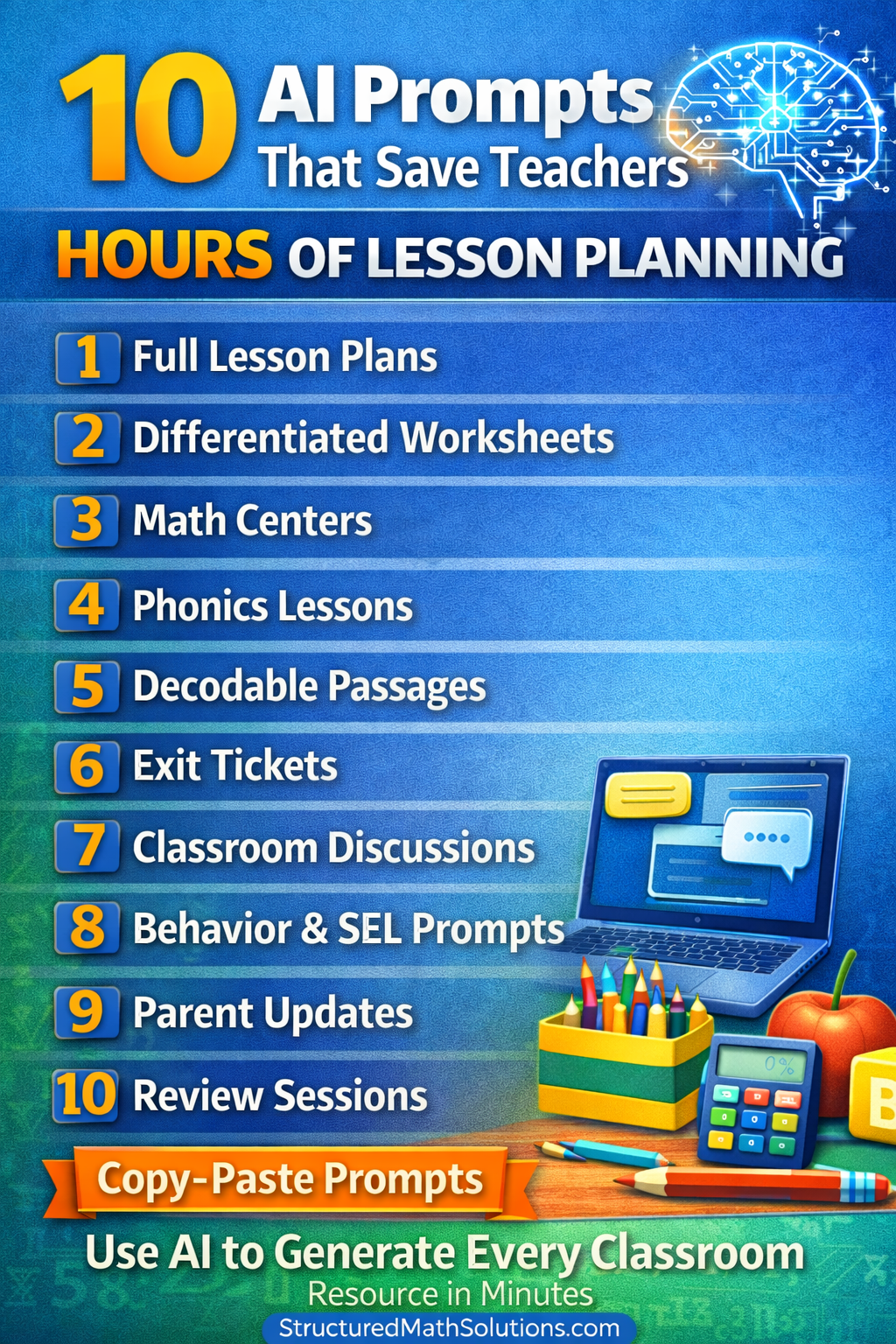
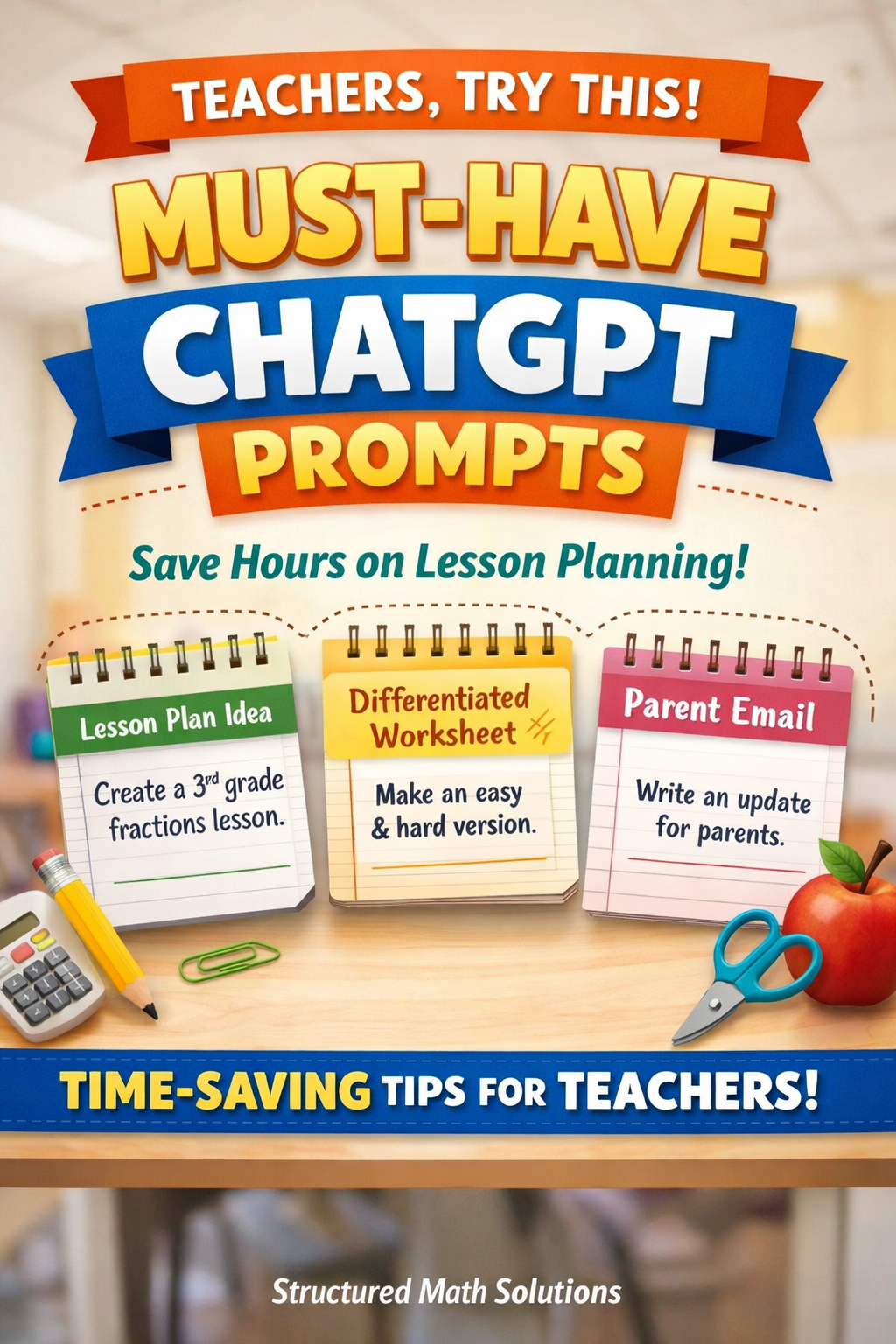
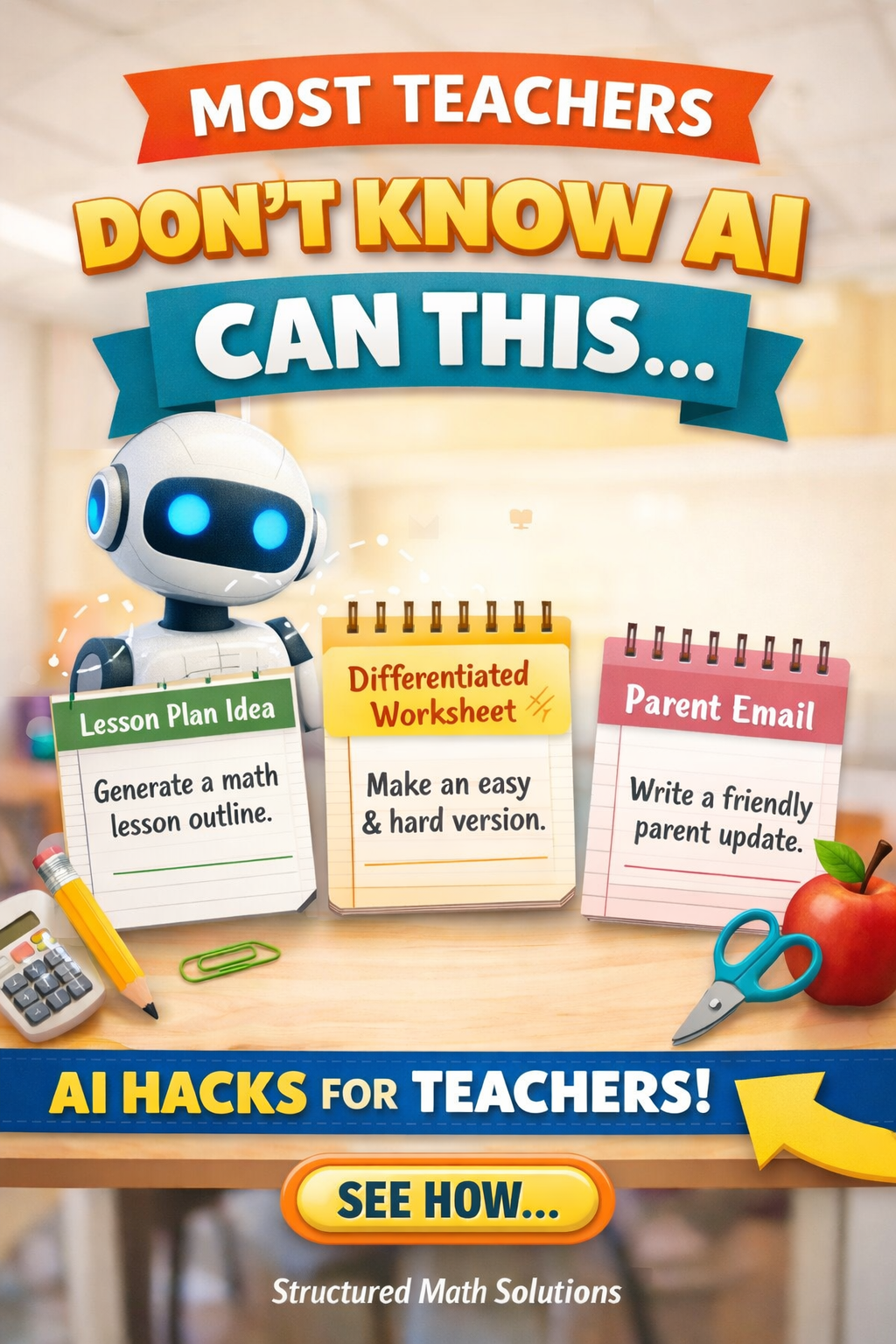
Free AI Prompts for Teachers
25 structured prompts teachers can use to save hours on lesson planning, worksheet creation, parent communication, and classroom organization.
- Generate lesson plans quickly
- Create worksheets in seconds
- Write parent emails professionally
- Generate quick assessments
- Streamline planning workflows